
Cheap IPTV That Won't Crash During Sports: Test Before You Buy
September 1, 2026 · 9 min read
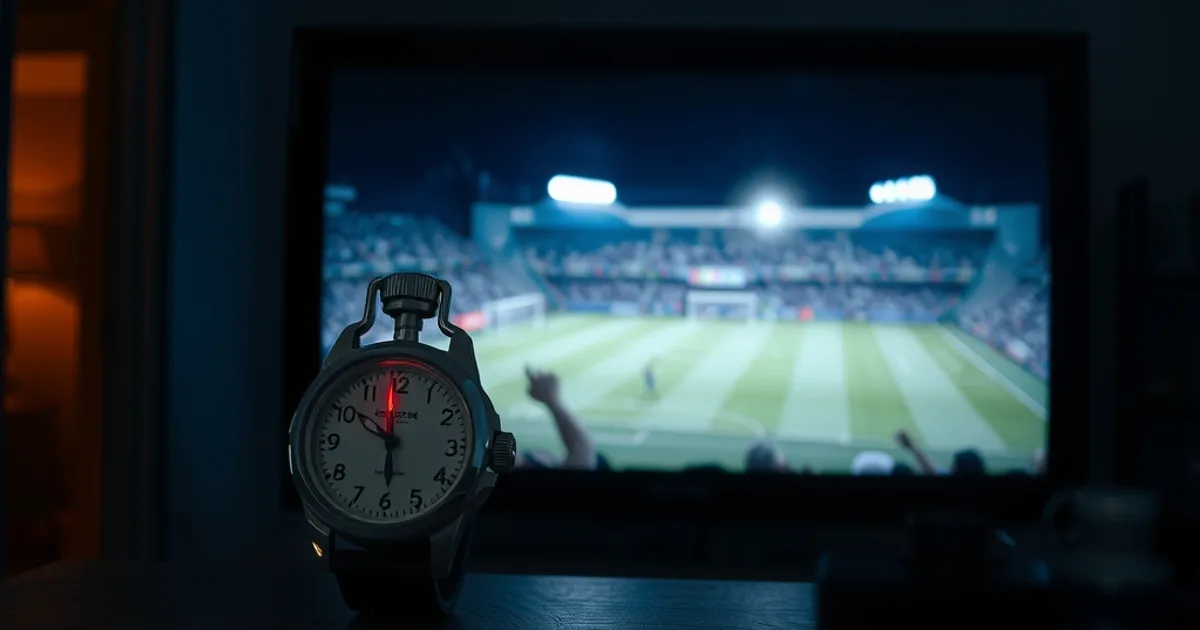
Champions League returns in September 2026, packed into Tuesday and Wednesday evenings — exactly the kind of concentrated, high-motion, everyone-watching-at-once event that exposes the weak links in a cheap IPTV subscription. If you've been searching for 'cheap IPTV,' you're about to learn a lesson the hard way unless you read this first: price alone tells you nothing about whether a plan will hold up when it matters.
Two readers can pay the exact same amount for two different providers and get completely different experiences during a big match. One stream stays sharp through extra time. The other freezes on the equalizer, buffers through the winning goal, and drops out entirely when everyone else on the neighborhood's shared ISP node is also watching. The difference isn't luck — it's infrastructure, and there's a growing pattern of ISPs actively throttling high-motion video traffic during peak hours, which makes the gap between a well-run budget provider and a corner-cutting one even more visible.
This article is not another 'best IPTV for sports' features list, and it's not a 'cheapest IPTV' price roundup either. It's a practical framework: the specific metrics that predict whether a cheap plan will survive a live match, how to read a provider's specs for red flags, and — most usefully — exactly how to stress-test any provider during a free trial before you commit a single subscription payment.
Why Cheap IPTV Fails During Live Sports
Live sports is the worst-case scenario for any streaming infrastructure. Unlike an on-demand movie, everyone is watching the same content at the same second, which means every viewer hits the same servers, the same CDN edge nodes, and often the same regional ISP peering points simultaneously. A provider that runs fine for a Tuesday-afternoon rerun can fall apart the moment tens of thousands of subscribers tune into the same kickoff.
The technical bottleneck usually shows up in one of three places: CDN saturation (not enough edge capacity near your region to absorb the spike), origin server overload (the provider's own backend can't re-encode or relay enough simultaneous streams), or ISP-level throttling of high-motion video traffic, which compresses harder and drops more frames than static content because it demands more sustained bandwidth. Our companion piece on detecting and fixing ISP throttling on IPTV goes deeper into that third factor if you suspect your connection itself is the problem.
Cheap plans aren't automatically bad — but the cheapest plans on the market frequently get there by skimping on exactly the infrastructure that only gets tested during high-demand events. That's why a provider can look identical to a competitor nine months out of the year and fall apart specifically during a Champions League night.
Curious whether your current plan would survive a Champions League night?
The 3 Reliability Metrics That Actually Predict Stability
Most buying guides talk about channel counts and app compatibility. Almost none talk about the numbers that actually predict whether your stream survives a live match. Here are the three worth knowing.
Uptime percentage is the most basic signal: what share of time the service is actually reachable and serving streams without full outages. It won't tell you about quality during peak load, but a provider unwilling to state or stand behind an uptime figure at all is telling you something.
Stream stability index is the more revealing metric, and it's really a combination of two things: frame loss (ideally under roughly 0.1% — visible as brief pixelation or micro-freezes) and audio/video sync drift (ideally under about 50 milliseconds, since anything beyond that becomes noticeable, especially on commentary-heavy sports coverage). Providers with solid CDN architecture keep both numbers low even under load; providers cutting corners see both spike specifically during peak viewing windows.
Channel zapping time — how long it takes to switch channels and get a clean picture, ideally under about 0.8 seconds — is an underrated tell. Slow zapping usually means the backend is re-negotiating a stream from a congested or distant server rather than pulling instantly from a nearby cached edge node. If switching channels feels sluggish on a quiet weekday, it will feel far worse during a Tuesday night kickoff.
Cheap Plan Red Flags vs. Smart Budget Choices
You can spot a lot about a budget provider's infrastructure before you ever pay, just by reading how they describe themselves. Vague marketing ('thousands of channels,' no mention of servers, CDN, or uptime at all) is a soft red flag — it usually means there's nothing specific to brag about. A provider that mentions multiple server regions, load balancing, or a stated uptime commitment is at least telling you they've thought about the peak-load problem.
A harder red flag is a provider that only advertises price and channel count with zero mention of stability, paired with review patterns that consistently complain about big-match nights specifically (rather than random, scattered complaints). Scattered complaints happen to every provider; complaints clustered around known high-demand events point to a structural capacity problem.
A smart budget choice isn't necessarily the provider charging the most — it's the one that's transparent about infrastructure and lets you verify it yourself before committing, which is exactly what the free trial stress test below is for.
The Free Trial Stress Test: What to Monitor During a Live Match
The single most useful thing you can do before subscribing to any provider — cheap or not — is deliberately test it during a genuinely high-demand event, not during a quiet Tuesday afternoon. If your trial window overlaps a Champions League night, use it. That's precisely the load condition you're trying to evaluate.
During the match, watch three things: does picture quality visibly degrade in the first 15 minutes as viewership ramps up (a sign of CDN strain), does zapping between channels get noticeably slower compared to off-peak hours, and does the stream fully drop at any point rather than just dip in quality. A brief quality dip that recovers is normal even on solid infrastructure; a full disconnect during the busiest stretch of the match is not.
Know when to abandon a trial early: if you see a hard freeze-and-drop during the first half of a marquee match, that's your answer — don't wait out the rest of the trial hoping it improves. Conversely, a provider that holds a clean, low-latency picture through extra time and penalties has just passed the hardest test it will ever face. If you're also setting up 4K on a bigger screen, pair this test with our 4K sports setup guide so you're not confusing a bad cable or a wrong resolution setting for a provider problem.
The Budget Sweet Spot: Cost vs. Stability Tradeoff
There's a real tradeoff curve between rock-bottom pricing and reliability, and it isn't linear. The very cheapest tier of any market tends to be where corners get cut hardest, because that price point leaves the least margin for CDN capacity and redundant servers. A slightly higher, still-affordable mid tier is often where providers can actually afford the infrastructure that survives peak nights, without pushing you into premium pricing that isn't justified by better sports performance.
The practical takeaway isn't 'pay more is always better' — it's that the absolute cheapest option on the market deserves the most scrutiny, not the least. If a plan is priced noticeably below everything else you're comparing, that gap has to come from somewhere, and infrastructure is the most common place it comes from.
This is covered in more detail in our price-vs-quality breakdown for Kemo specifically, which walks through how to weigh a lower price against the reliability metrics from the previous section rather than treating price as the only variable.
What an Uptime Guarantee Means in Context
An uptime guarantee is only meaningful if you understand what it does and doesn't cover. It typically speaks to whether the service is reachable at all — not to frame loss, sync drift, or zapping speed during peak load, which is why the three metrics above matter as a complement to, not a replacement for, a stated uptime figure.
When comparing budget providers, ask the same question we outlined earlier: does the provider talk about stability at all, or only about price and channel count? A provider willing to be evaluated on uptime and to be stress-tested during a live event, as described above, is signaling confidence in its own infrastructure. Kemo's approach is built around exactly that logic — reliability engineered to hold through peak sports hours rather than only advertised on the homepage — and the fairest way to judge that claim isn't to take our word for it, it's to run the trial stress test yourself during the next Tuesday or Wednesday Champions League slot. Our subscription guide walks through the practical setup for that trial if you want to run it end to end.
Ready to run the stress test yourself before the next matchday?
Home Network Setup: Maximizing Reliability at a Budget Price
Even the best-run budget provider can look unreliable if your home network is working against it. Wi-Fi congestion, especially over 2.4GHz in a house with multiple devices, adds exactly the kind of jitter that shows up as sync drift and frame loss during high-motion sports content. A wired Ethernet connection to your streaming device removes that variable entirely and is the single highest-impact free fix available.
If Ethernet genuinely isn't possible, prioritizing your streaming device's traffic through your router's QoS (Quality of Service) settings — giving it priority over background downloads, other devices, and cloud backups — closes much of the gap. This matters more, not less, on a budget plan, since you have less infrastructure headroom on the provider side to absorb network-level problems on your side.
If a household has several people watching on different devices during the same match, network setup gets more complex, and it's worth reading our multi-device family setup guide before match night rather than during it. And if problems persist specifically during peak hours across multiple providers, that's less about IPTV and more about your ISP — which is exactly the throttling scenario our detection guide is built to diagnose.
Frequently asked questions
What is a good uptime percentage to look for in a cheap IPTV plan?
There's no single industry-wide number that's publicly verifiable across every provider, but the more useful question is whether a provider states an uptime commitment at all and is willing to be tested against it. A provider that avoids the topic entirely is a bigger warning sign than any specific percentage.
How do I measure channel zapping time myself?
Time it with a stopwatch or your phone: press the channel-change button and count until you get a clean, stable picture. Test this both during a quiet period and during a live match — the gap between the two tells you how much the provider's infrastructure strains under load.
Is a free trial long enough to properly stress-test a provider?
It is if you're deliberate about timing it. A trial that only covers off-peak hours tells you nothing about sports reliability. Align your trial window with an actual live match — ideally a high-demand one like Champions League — rather than testing at a random time of day.
Does a cheaper plan always mean worse sports reliability?
Not always, but the very cheapest tier in any market carries the highest risk, because that price point leaves the least margin for CDN and server investment. A moderately-priced budget plan often turns out more reliable than the absolute rock-bottom option.
Can my internet connection cause problems that look like a bad IPTV provider?
Yes, frequently. ISP throttling of high-motion video traffic, Wi-Fi congestion, and lack of QoS prioritization can all produce the same symptoms — buffering and freezing during live sports — as a genuinely under-provisioned provider. Rule out your own network first using a wired connection and QoS settings before concluding the provider is at fault.
What should I do if a provider fails the stress test during a match?
Stop the trial and move on rather than waiting it out. A hard freeze-and-drop during the busiest stretch of a marquee match is the clearest signal you'll get, and it's unlikely to improve on a different night with similar demand.
Read next: the pricing page or the FAQ.